Set Up Your Safe Word
Your Safe Word is a verbal passcode that Deep Sentinel guards use to verify your identity during security events. Learn how to set it up for your Seattle area property.
What is a Safe Word?
A Safe Word is a verbal passcode that Deep Sentinel's live guards may ask you to provide during a security event. This helps verify your identity and prevents false dispatches of law enforcement to your property.
Why it matters: When guards see activity on your cameras, they may use the two-way speaker to ask for your Safe Word. Providing the correct word confirms you're authorized to be there.
Make sure everyone who regularly accesses your property knows your Safe Word — employees, family members, or cleaning staff. This prevents unnecessary alarm escalations.
Safe Word Requirements
Your Safe Word must meet these requirements to be valid:
Requirements
- Maximum 10 characters in length
- Alphanumeric characters only (letters and numbers)
- No spaces allowed
- No words that could cause confusion during an emergency
Tip: Avoid words like "help," "emergency," or "police" as these could be confusing during a real emergency situation.
Navigate to Safe Word Settings
To set or change your Safe Word:
- Open the Deep Sentinel app
- Tap Settings (bottom right)
- Tap Account
- Tap Safe Word
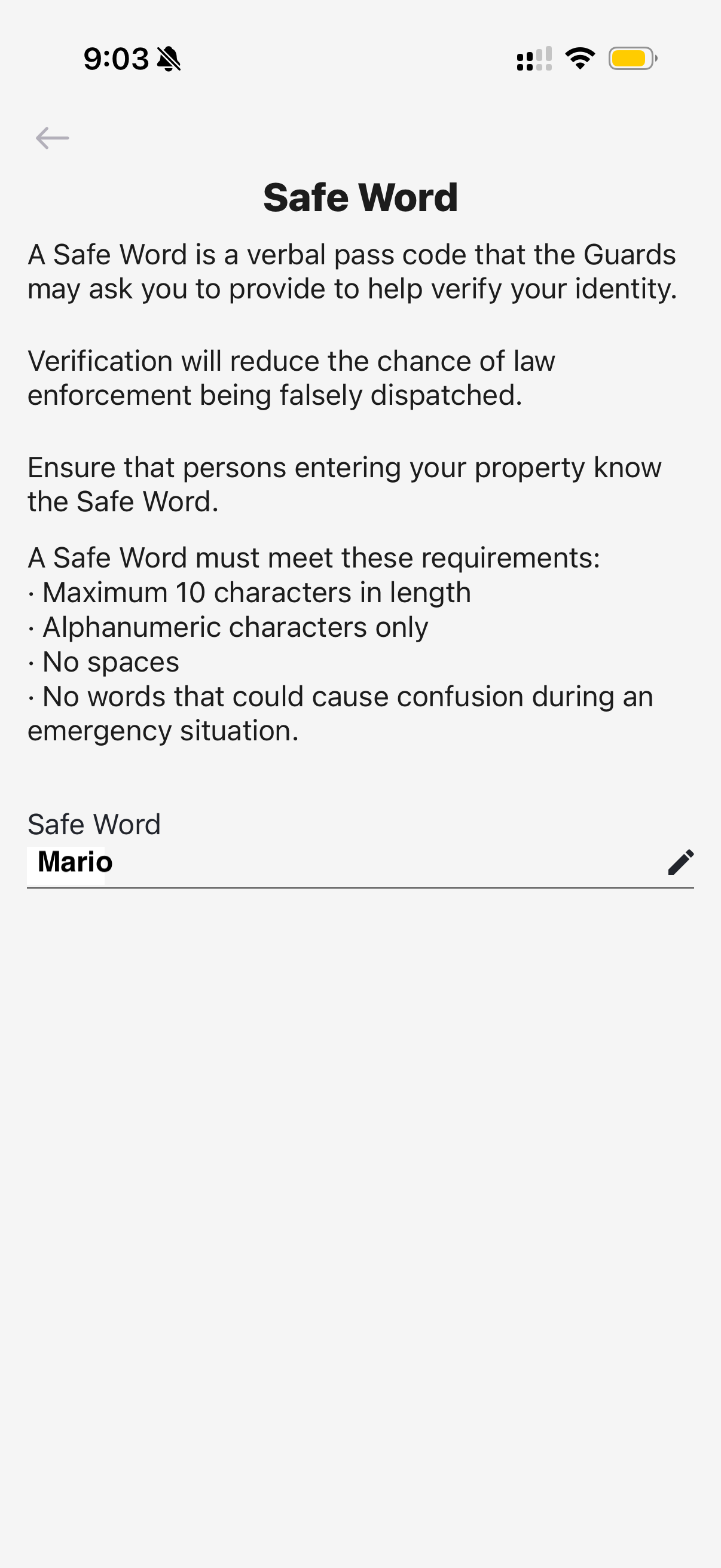
Set or Update Your Safe Word
On the Safe Word screen, you'll see your current Safe Word displayed. To change it:
- Tap the pencil icon next to your current Safe Word
- Enter your new Safe Word (following the requirements above)
- Tap Save to confirm
Remember to share your new Safe Word with anyone who may need to verify their identity at your Seattle property. This includes employees, family members, delivery personnel, or maintenance workers who visit regularly.