How can we help you?
Search our help center or browse guides below to get the most out of your security system.
Quick Start Guides
Get up and running fast

Download the Deep Sentinel App
Get the Deep Sentinel for Business app on your iPhone or Android. Download, install, and log in to start monitoring your system.
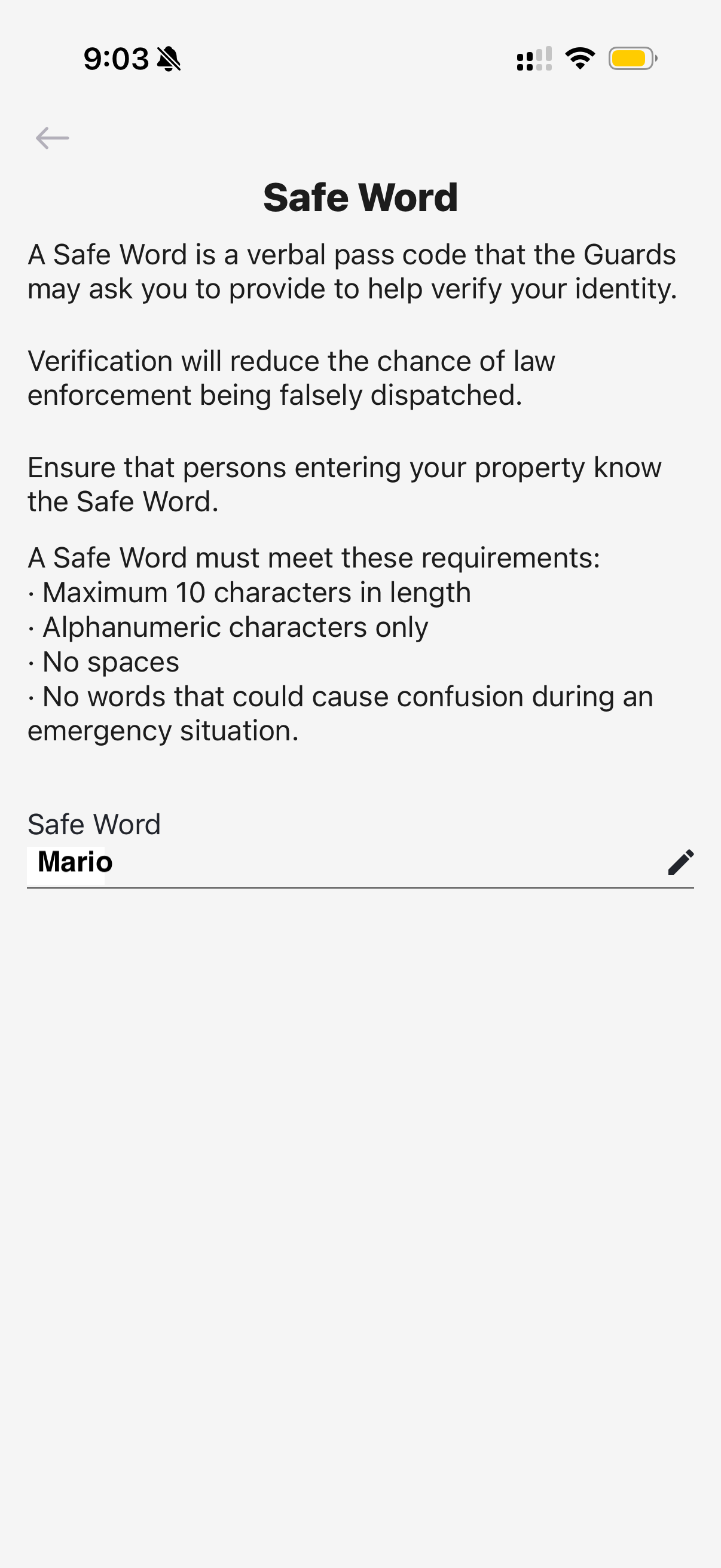
Set Up Your Safe Word
Create a verbal passcode that guards use to verify your identity during security events at your Seattle property.
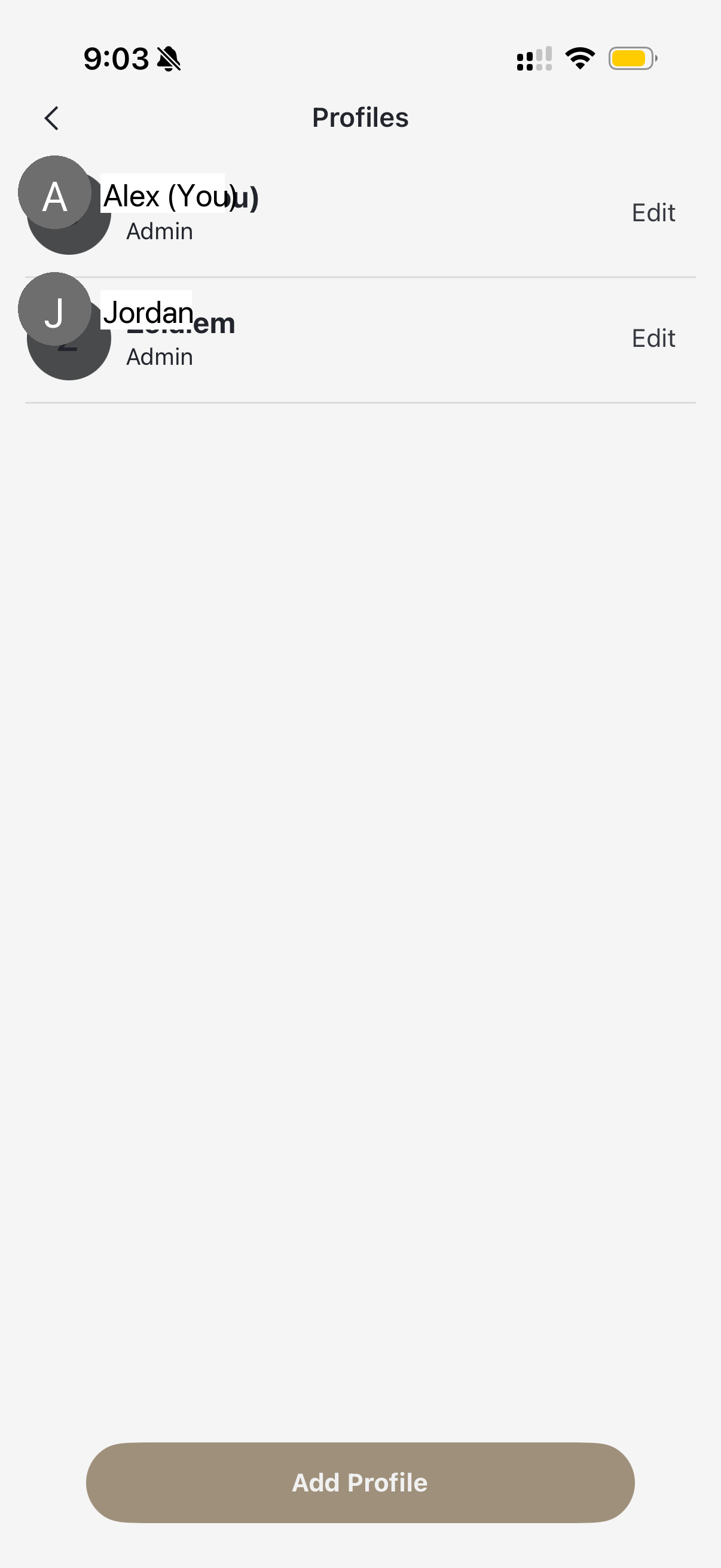
Add Users to Your System
Give employees, managers, or family members access to view cameras and manage your security system.
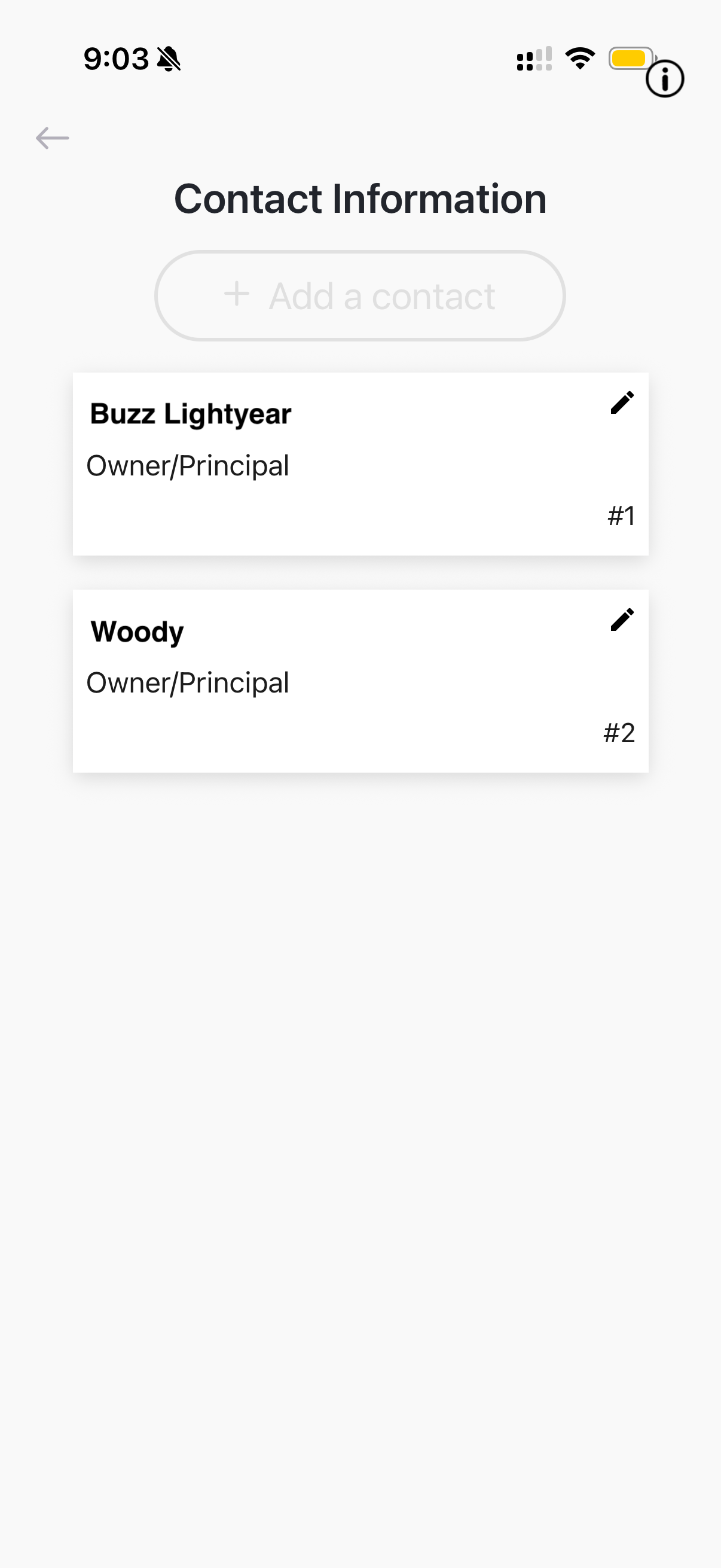
Manage Emergency Contacts
Set up the phone numbers that guards will call during security events. Keep these current for effective response.
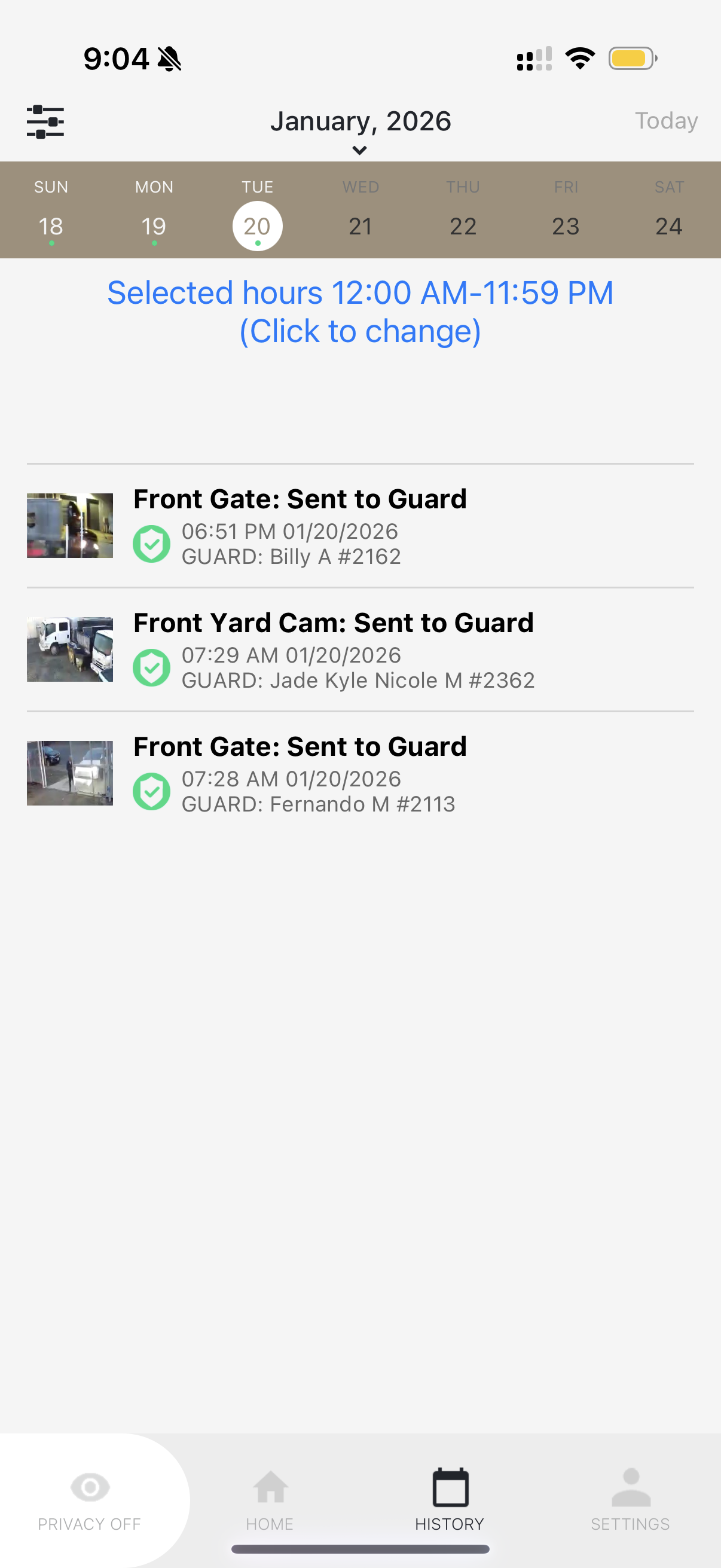
Navigate Event History
Review past security events, guard interventions, and camera activity. Learn how to filter and search your timeline.
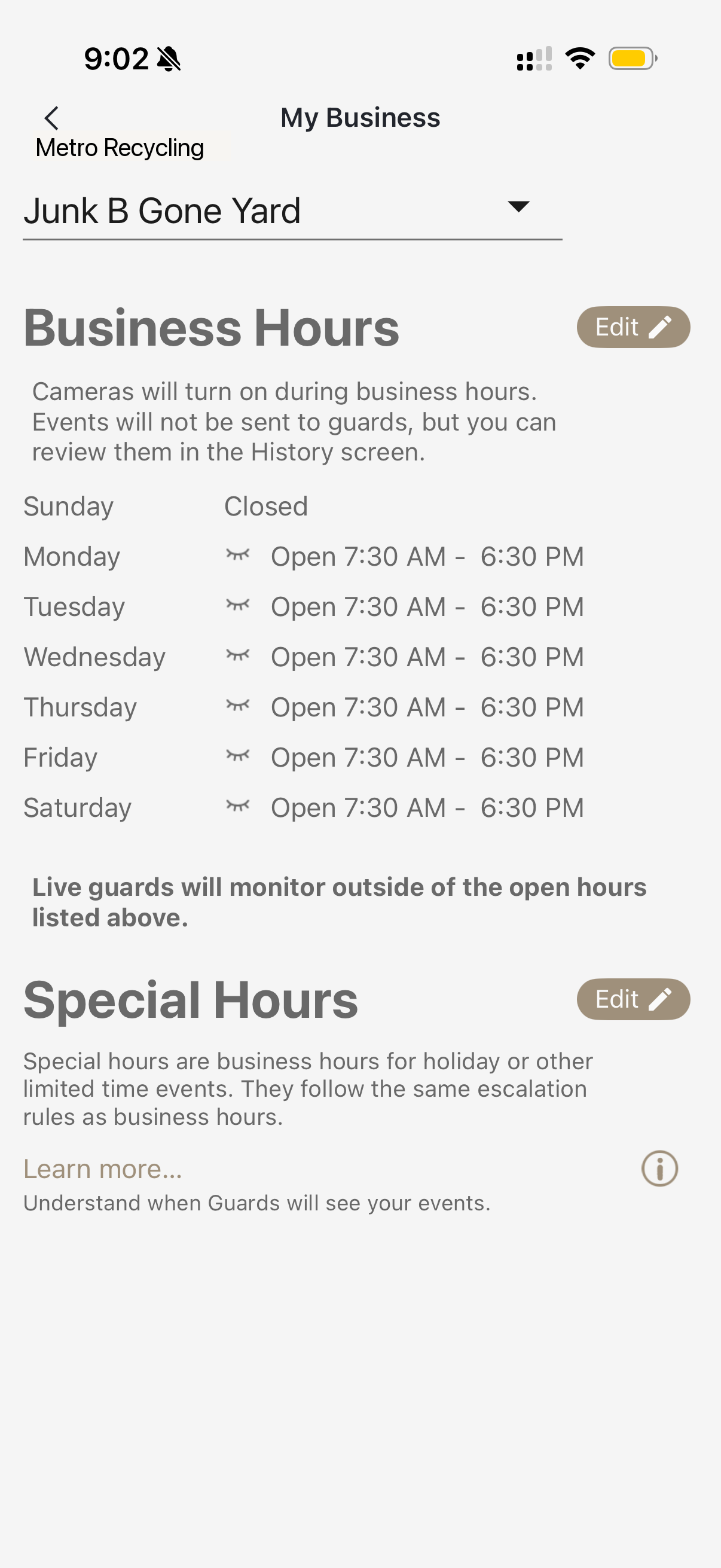
Set Business Hours
Configure when your Seattle business is open so guards know when to actively monitor for threats.
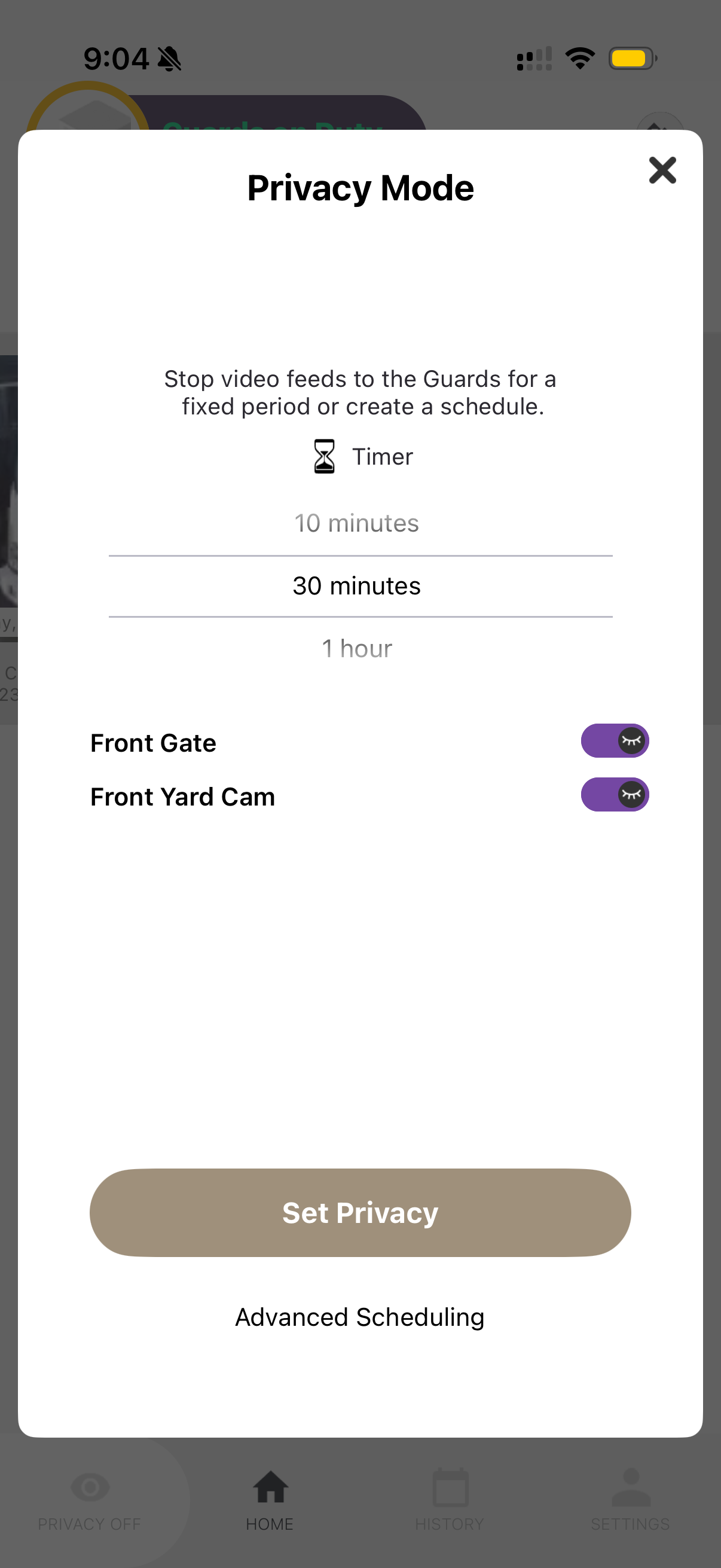
Use Privacy Mode
Temporarily pause guard monitoring when you need privacy. Perfect for maintenance, events, or deliveries.
Video Tutorials
Watch and learn
Video tutorials coming soon
We're creating helpful video guides to walk you through using your Deep Sentinel system. In the meantime, check out our step-by-step written guides above.
FAQ
Frequently Asked Questions
Still need help?
Our support team is here to assist you with any questions about your Deep Sentinel system.